










Build expected work from the usual week, workplace calendar, dated exceptions and planned shifts.
Before you start
- Create employees and workplaces.
- Agree the recurring schedule and known holidays.
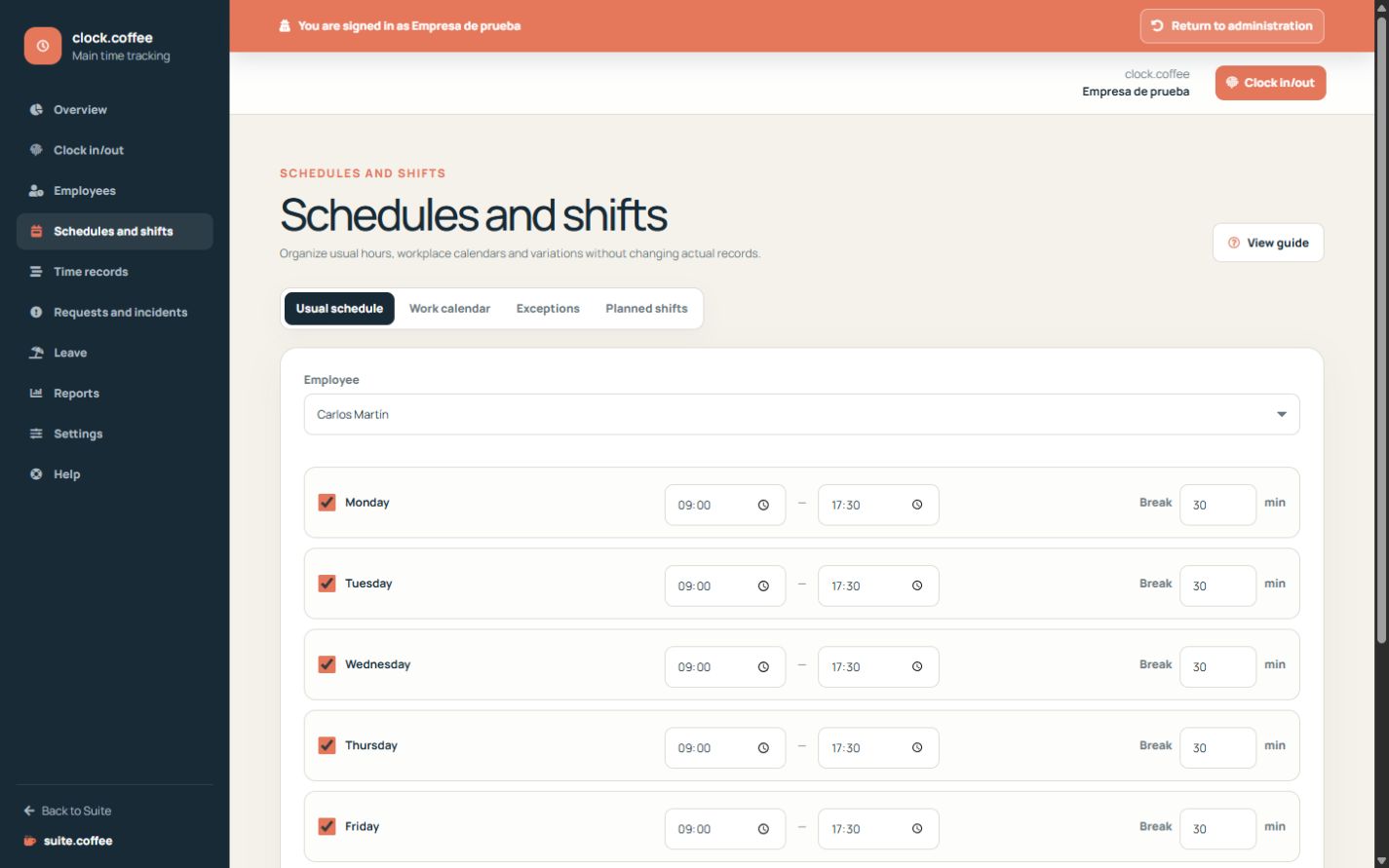
Start with the usual schedule
Define regular working ranges and expected breaks for each employee. This is the recurring base used to calculate expected time.
Apply dated changes explicitly
Use an exception for a special day, and the workplace calendar for holidays or exceptional working periods. A dated rule overrides the usual base without rewriting it.
Keep plans separate from facts
Planned shifts describe expected work. They remain separate from effective punches and calculated records, so planning never becomes proof that the work occurred.
Step by step
- Open Schedules and shifts.
- Define the usual weekly ranges and expected breaks.
- Review the workplace work calendar.
- Add dated exceptions for individual changes.
- Use planned shifts when an explicit dated plan is needed.
Final check
- Ranges do not overlap.
- Holidays and exceptions use the correct dates.
- Planned time is not treated as worked time.
Tip: Use the most specific layer for the exception; keep the recurring schedule stable.