










Read original punches and calculated shifts as separate but connected layers.
Before you start
- Choose the employee and review period.
- Wait for open shifts to finish before treating totals as final.
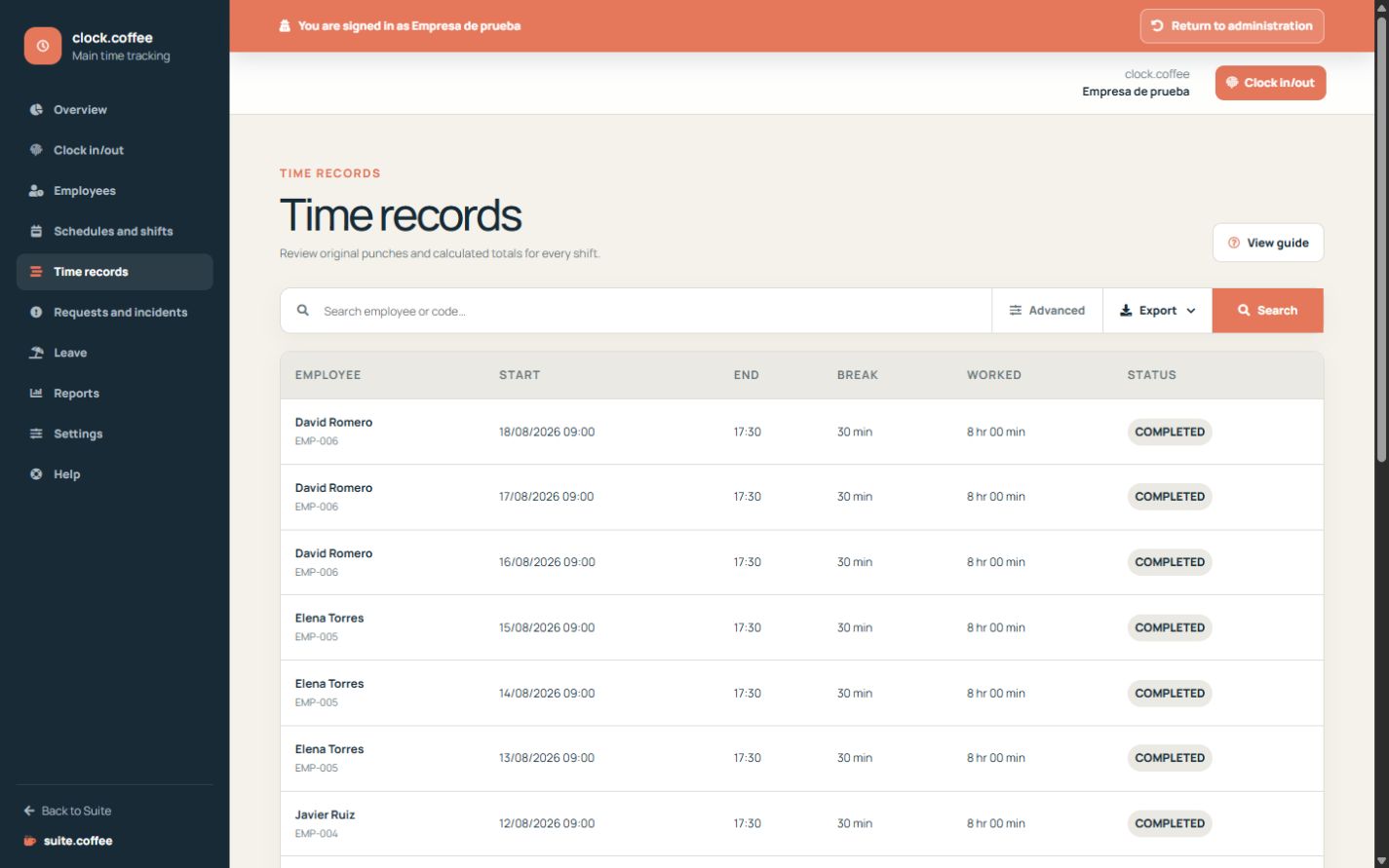
Distinguish the two layers
Original punches show the state changes recorded at the terminal. Clock uses them to build calculated shifts, worked time, breaks and incidents.
Filter before interpreting
Choose the employee and date range that match the review. Open and incomplete shifts may not yet represent a final worked total.
Correct through adjustments
A correction changes the calculated result and leaves a trace of who requested and reviewed it; it does not rewrite the original punches.
Step by step
- Open Time records.
- Filter employee and dates.
- Review shift status, worked time and break time.
- Open the original event sequence when a result is unexpected.
- Use an adjustment instead of editing the source event.
Final check
- The period and employee are correct.
- Open or incomplete shifts are identified.
- Every correction remains traceable.
Tip: A calculated total can change after an approved adjustment; the original punch history remains intact.