










Record each real state change in order using the secure server time.
Before you start
- Access with the correct employee identity.
- Choose the real workplace when location is required.
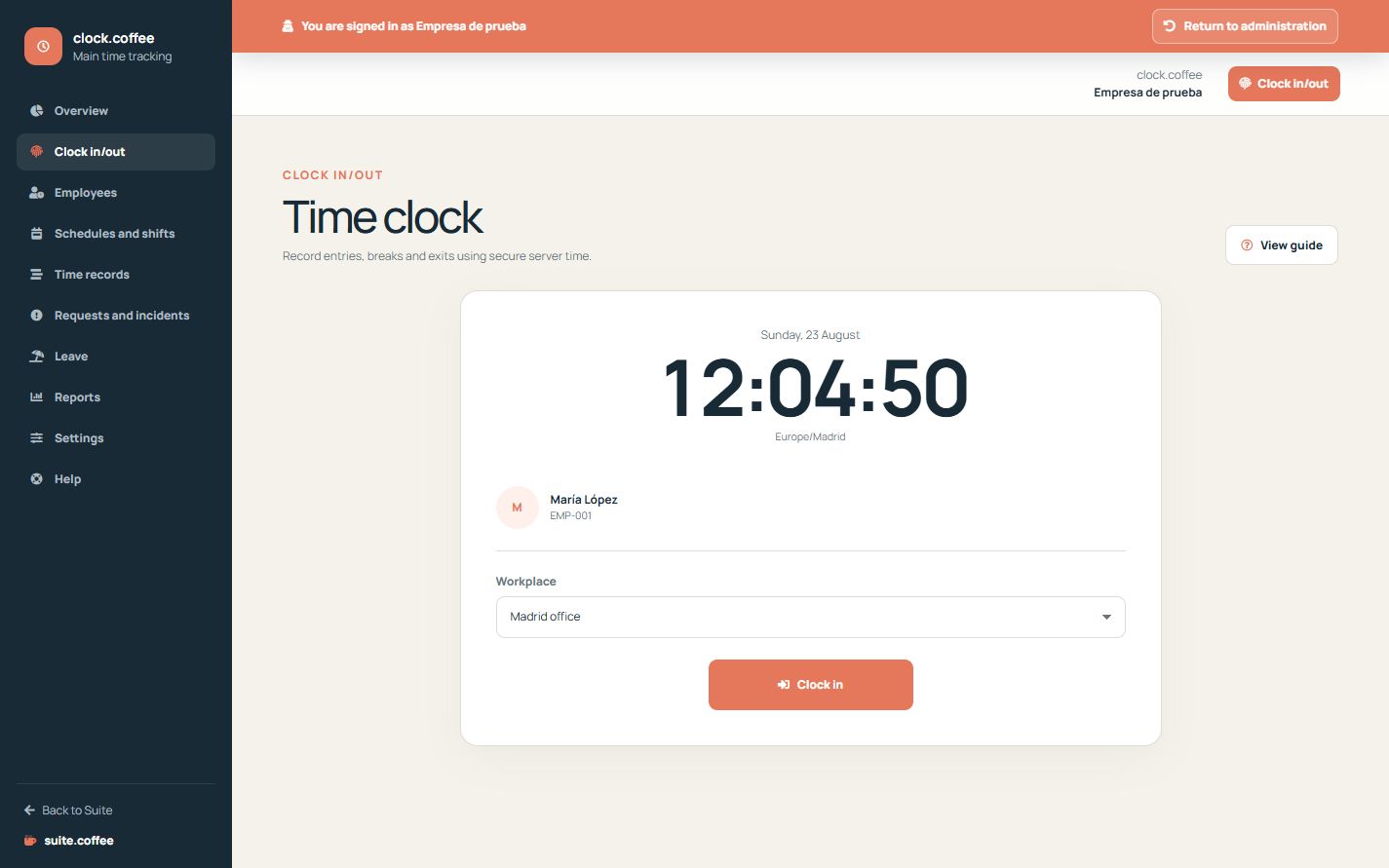
Follow the real sequence
Start with Clock in, begin and end each break when it happens, and finish with Clock out. The terminal only offers transitions valid for the current state.
Use the correct workplace
If location is required, select the workplace you are clocking from. The recorded time comes from the server rather than from a value typed by the employee.
Preserve the original events
Each punch is an append-only original event. If something is missing or incorrect, submit an adjustment instead of trying to replace the original record.
Step by step
- Open Clock in/out.
- Confirm your current status and workplace.
- Clock in when work starts.
- Start and end each break when it occurs.
- Clock out only when the workday actually ends.
Final check
- The action sequence matches reality.
- No shift remains open accidentally.
- Any error is handled through an adjustment request.
Tip: Do not invent or replace source punches; corrections remain traceable through adjustments.